Know what applies to you
Short questions, one per screen. “I don't know yet” keeps the work in your plan instead of hiding it.
 ArMoHub
Security
armohub.ch ↗
Security / Microsoft Sentinel → Defender portal
Move Microsoft Sentinel to the Defender portal, one clear step at a time.
After 31 March 2027, Microsoft Sentinel is no longer supported in the Azure portal. It continues in the Microsoft Defender portal.
Access, connectors, analytics rules, automation, integrations and SOC routines all change with the move. Miss one, and the SOC finds out in production.
A Swiss army knife for the migration: it walks your team through the whole move in a controlled, structured and documented way. What to check, where to click, and what to record.
Answer a few short questions about your environment (or skip them and see everything), and the assistant builds your plan. The overview always leads with the step to do now.
Short questions, one per screen. “I don't know yet” keeps the work in your plan instead of hiding it.
The route shows where you are between the Azure portal and the Defender portal, and what to do now.
Exact portal locations, clear instructions and read-only queries, with the permissions needed and how to read the results.
Attach screenshots and observations. A step counts as verified only with evidence, and exceptions need a named owner.
Readiness, execution and final validation reports for stakeholders, printable to PDF, with fingerprinted snapshots.
Built by security professionals from the field, enriched with Microsoft's recommendations and best practices, with every source dated.
The assistant is a single HTML file that runs in your browser. It carries a security policy that makes the browser block every network request. No account, no cloud backend, no telemetry.
Your project lives in your browser tab, in your browser's storage if you turn on autosave, and in files you save. Nothing is uploaded to us.
Files you save are not encrypted. Treat them like any confidential document.
Every line of the code is readable in the file. Check it before you use it.
Built from current Microsoft Learn pages, with dates, and clearly labelled practical experience.
Not a certification and not a warranty. You remain responsible for checking guidance, approvals and changes.
It never connects to your tenant. A read-only inventory script lets you import the facts yourself.
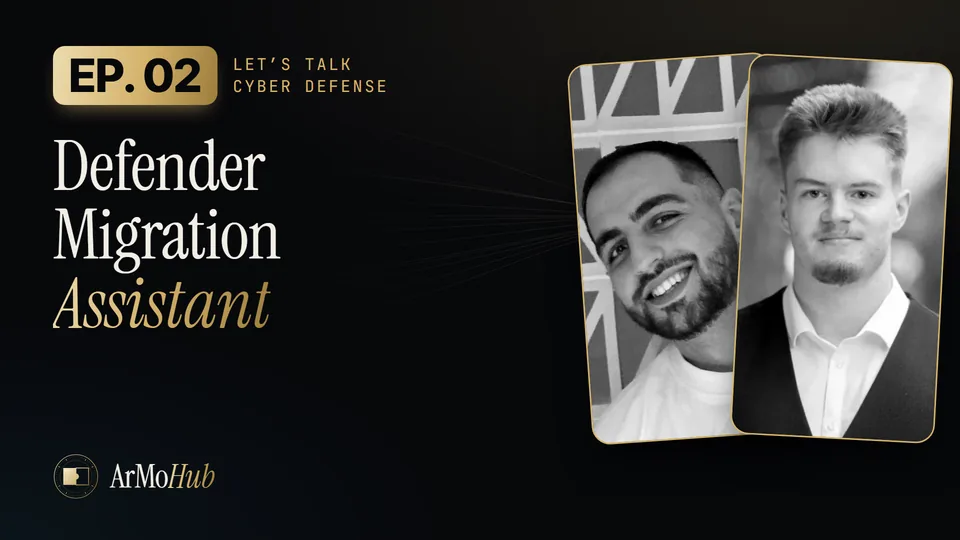
Arno and Moïse walk you through it in the next vodcast episode, on Tuesday 10 November. Follow ArMoHub so you don't miss the release.
Microsoft, Microsoft Sentinel, Microsoft Defender and Azure are trademarks of the Microsoft group of companies. The ArMo MS Defender Migration Assistant is independent and is not affiliated with or endorsed by Microsoft.